
Let participants point what is relevant to them
Work format: Pointer
The Pointer is ideal when you want participants to quickly indicate something on a shared screen.
It works especially well when you are using visual content, such as an image, map, diagram, or slide. Instead of asking people to explain their thoughts, they can simply point to what matters to them.
This makes the Pointer a fast and intuitive way to collect input from a group.
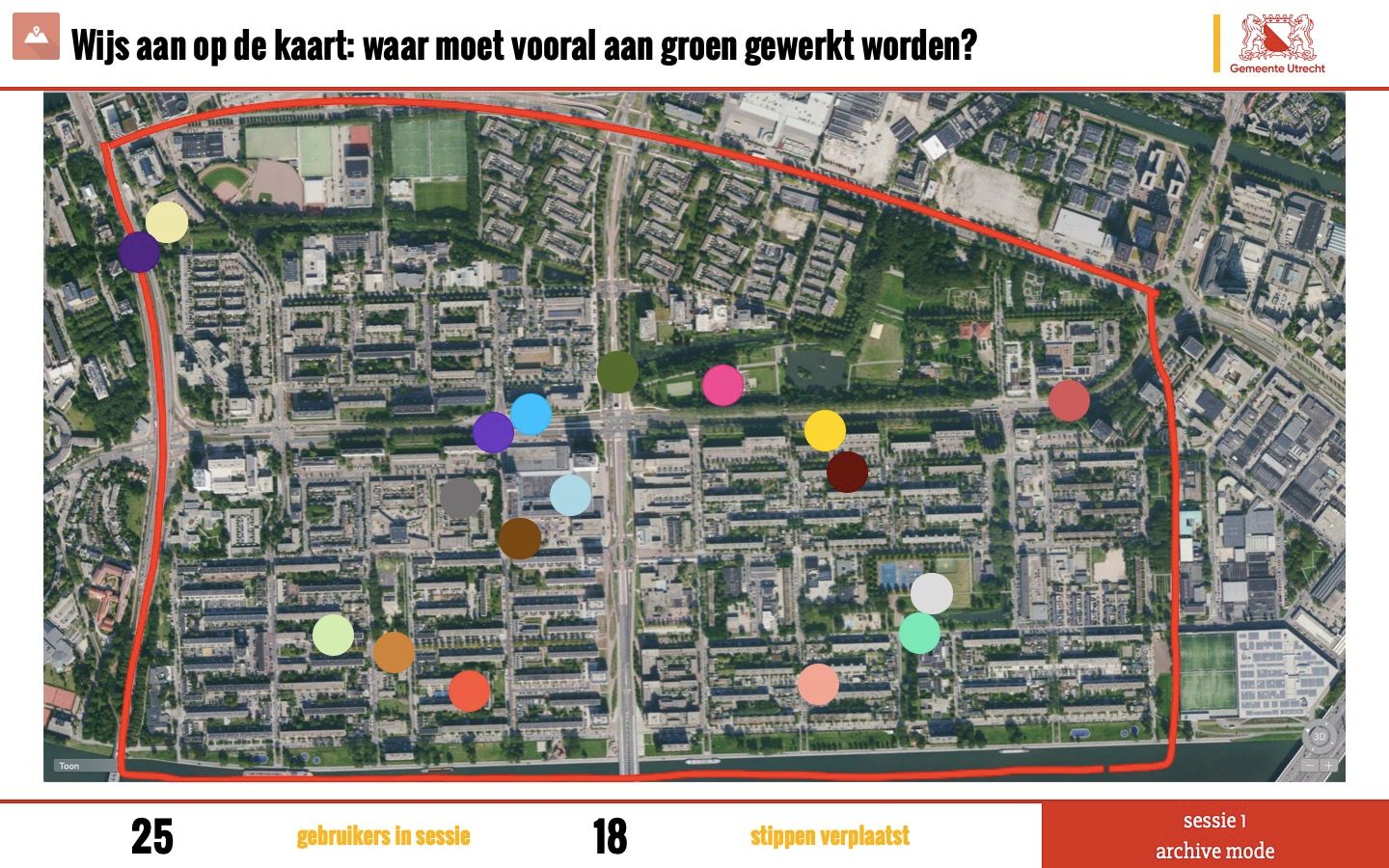
The Pointer is an interactive format that allows participants to point at something on the main screen using their phone.
Participants simply indicate what stands out to them on an image, map, diagram, or slide. Because the interaction is visual and intuitive, most people understand it immediately without needing instructions.
All inputs appear instantly on the shared screen, creating a live visual overview. This makes it easy to see patterns, areas of focus, and differences within the group.
The Pointer is flexible and can be used with any type of visual content. It helps you quickly collect input, highlight perspectives, and guide the conversation — while keeping participants actively involved and the session structured.
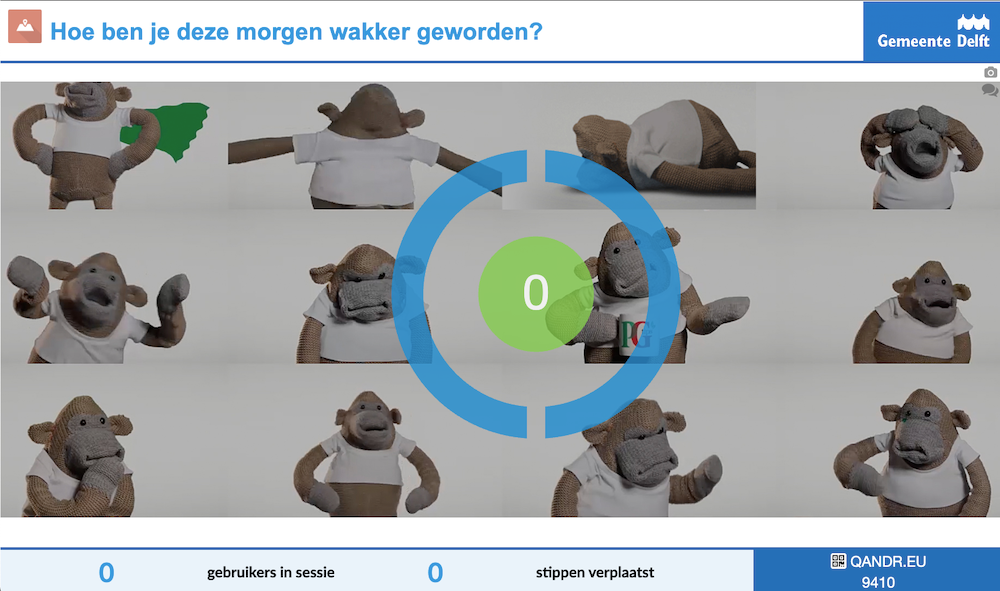
In some situations, it’s important that participants respond independently, without being influenced by others.
In QandR, you can choose to hide the results while participants are responding. Instead of showing the pointers directly on the main screen, participants place their input on their own device.
Once everyone has responded, you can reveal the results at a moment of your choice — for example by pressing the spacebar or clicking the QandR circle on screen. This shows all inputs at once, giving you an unbiased overview of how the group responded.
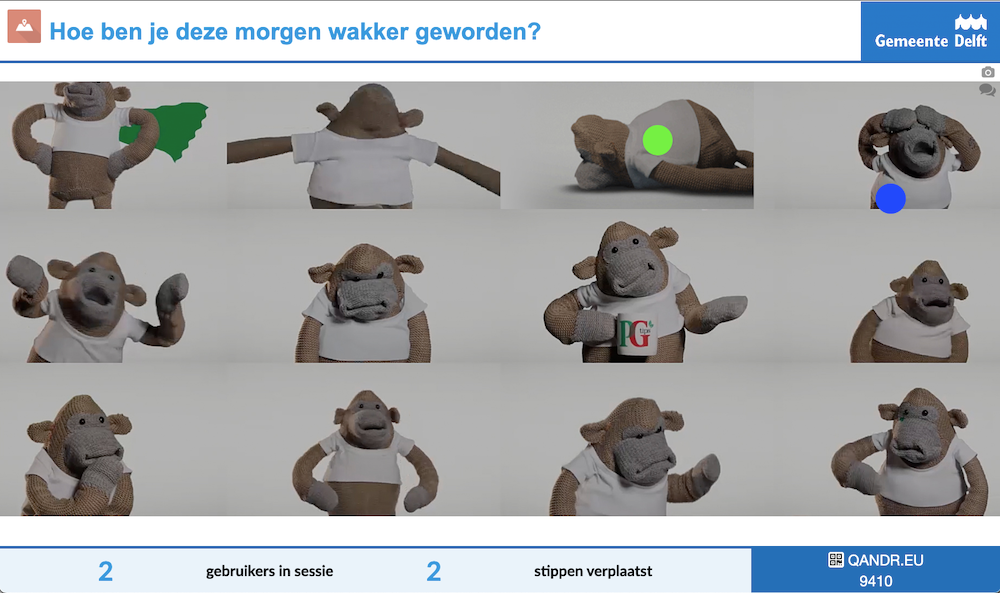
The Pointer works with any image that participants can respond to visually.
You can use maps, diagrams, photos, designs, or any other visual that helps guide the conversation. Participants will place their input directly on this image.
To ensure everything displays properly, keep the following in mind:
- Use a 16:9 (landscape) aspect ratio. Other proportions may appear stretched.
- Keep file sizes relatively small (preferably under 1 MB) for fast loading.
- Avoid including privacy-sensitive information, as everything shown is visible to participants.
Choosing a clear and relevant image helps participants respond quickly and makes the results easier to interpret.