
Make viewpoints and doubts visible
Work format: Dilemma
A Dilemma is best used when you want to explore different perspectives within a group.
It works especially well once participants are familiar with the topic and ready to take a position. By placing two opposing viewpoints on a scale, you make differences in opinion visible and open up the conversation.
Because participants can choose a position anywhere between the two extremes, a Dilemma reveals not just what people think, but also how strongly they feel. It can also make doubt visible, or show how opinions shift during the conversation as participants adjust their position.
This makes it a powerful format for deepening the discussion and uncovering underlying arguments.
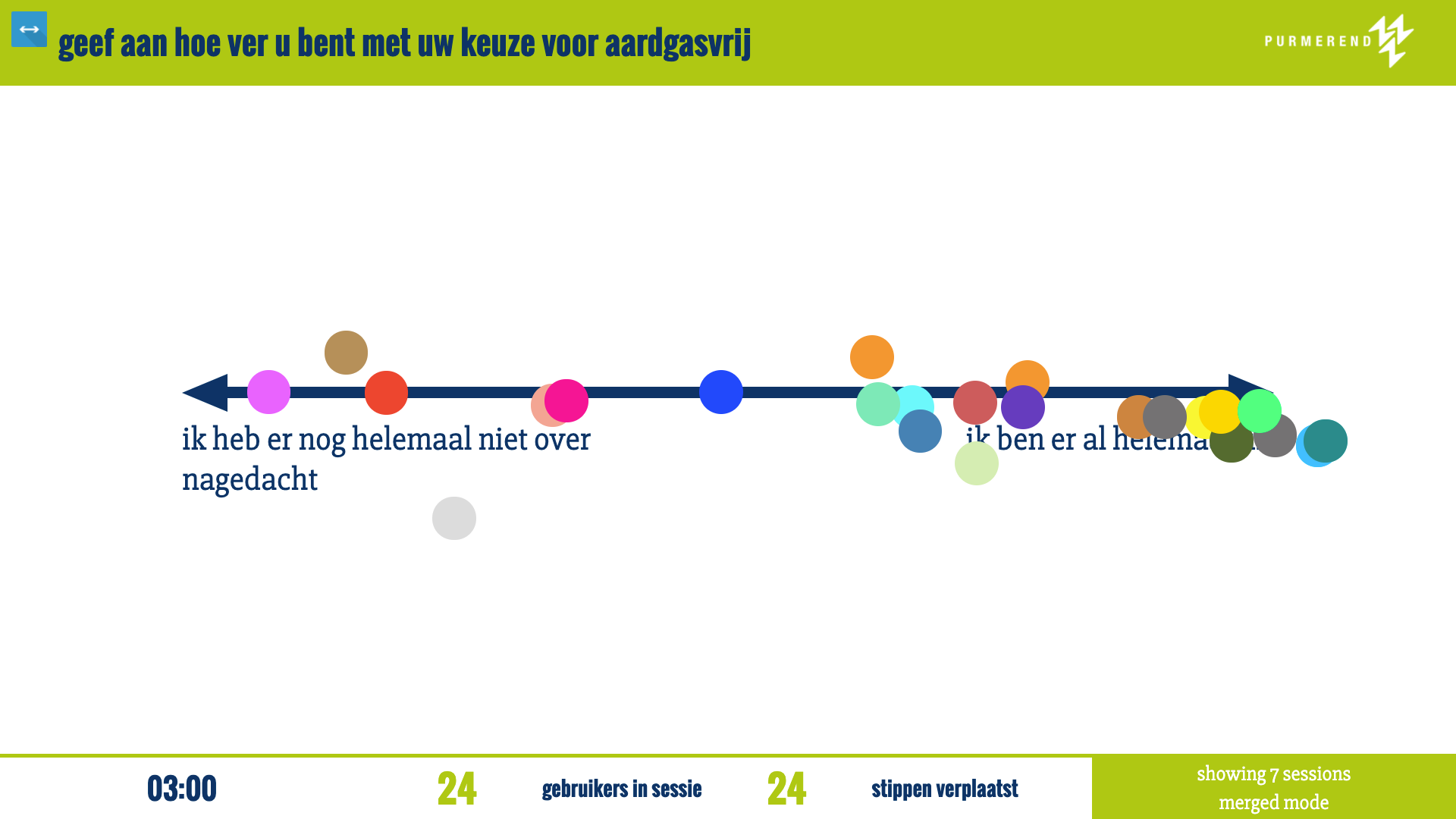
A Dilemma is an interactive format where you present two opposing viewpoints on a scale.
Participants use their phone to choose a position somewhere between these two extremes. This immediately shows how the group thinks about the topic.
Because participants can adjust their position during the session, a more nuanced picture emerges. You not only see where people stand, but also where there is doubt or hesitation, and how opinions shift during the conversation.
On the main screen, this creates a dynamic overview of the group. Differences, clusters and movement become visible, giving you clear starting points to guide the discussion and explore underlying arguments.
A good Dilemma starts with two clear and opposing viewpoints.
Make sure both ends of the scale are understandable and realistic. The goal is not to have a “right” answer, but to create tension between two perspectives that people can relate to.
Avoid vague or one-sided statements. A strong Dilemma invites participants to think: “I see both sides” or “I’m somewhere in between.”
It also helps to keep the wording simple and concrete. This makes it easier for participants to quickly choose a position and engage in the discussion.
Yes, this is possible using the “no peer influence” option.
When this setting is enabled, participants place their position on the scale without seeing where others have responded. This allows them to think independently before being influenced by the group.
On the main screen, you will only see a neutral indication that responses are coming in — not where they are placed. The axes and labels remain visible, but the positions themselves stay hidden.
When you are ready, you can reveal the results. The positions then appear on the scale, making the differences and patterns in the group visible at once.