











Asking individuals for explanation is possible. Nuance because participants may keep changing their response.

Use multiple choice questions as a warming-up and get a profile of your group
Polls are an accessible way to open a session and quickly get a sense of the group. Because most people are familiar with multiple-choice questions, participants immediately understand what is being asked. This makes the Poll a familiar and easy starting point, without requiring explanation or preparation.
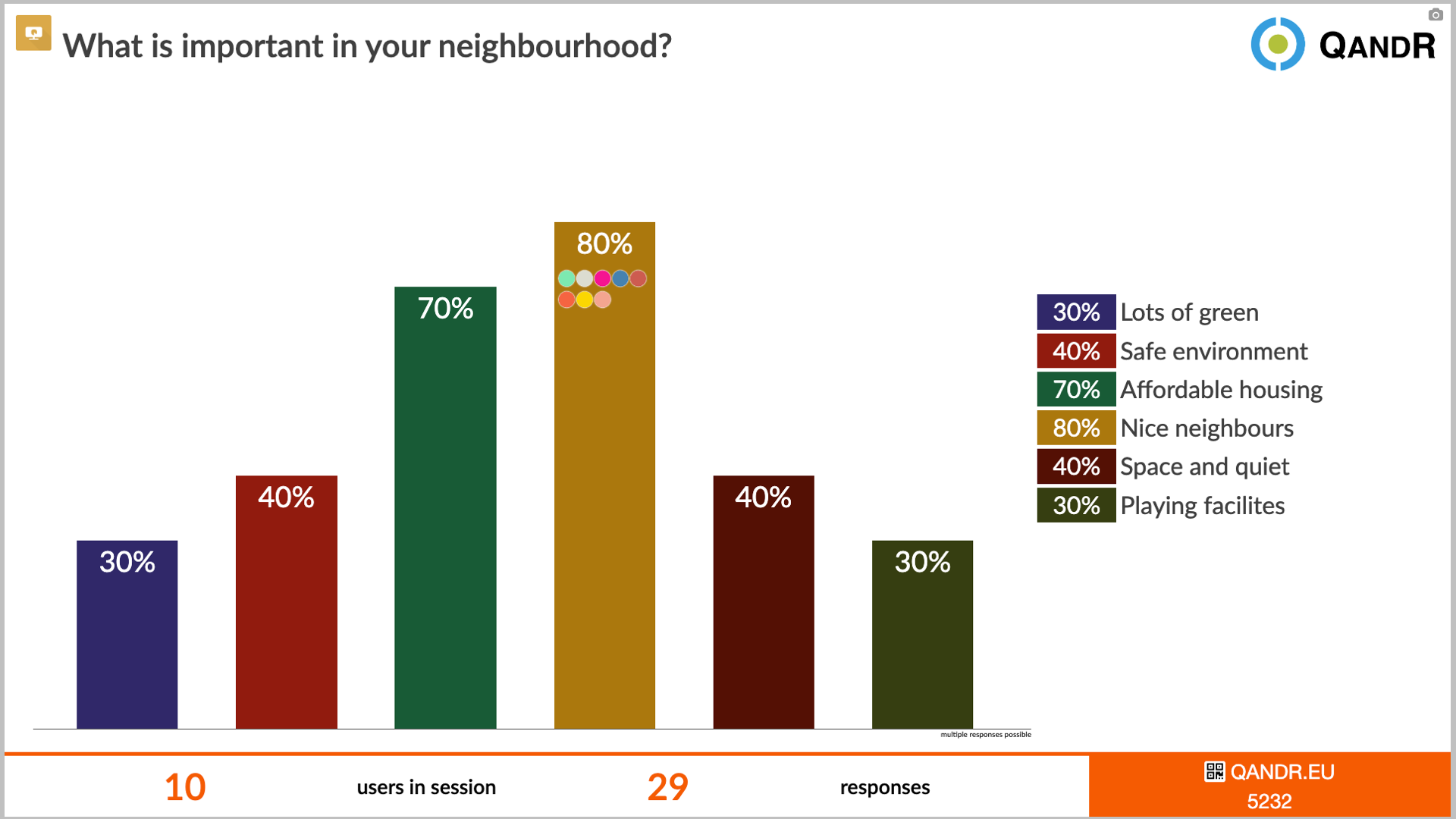
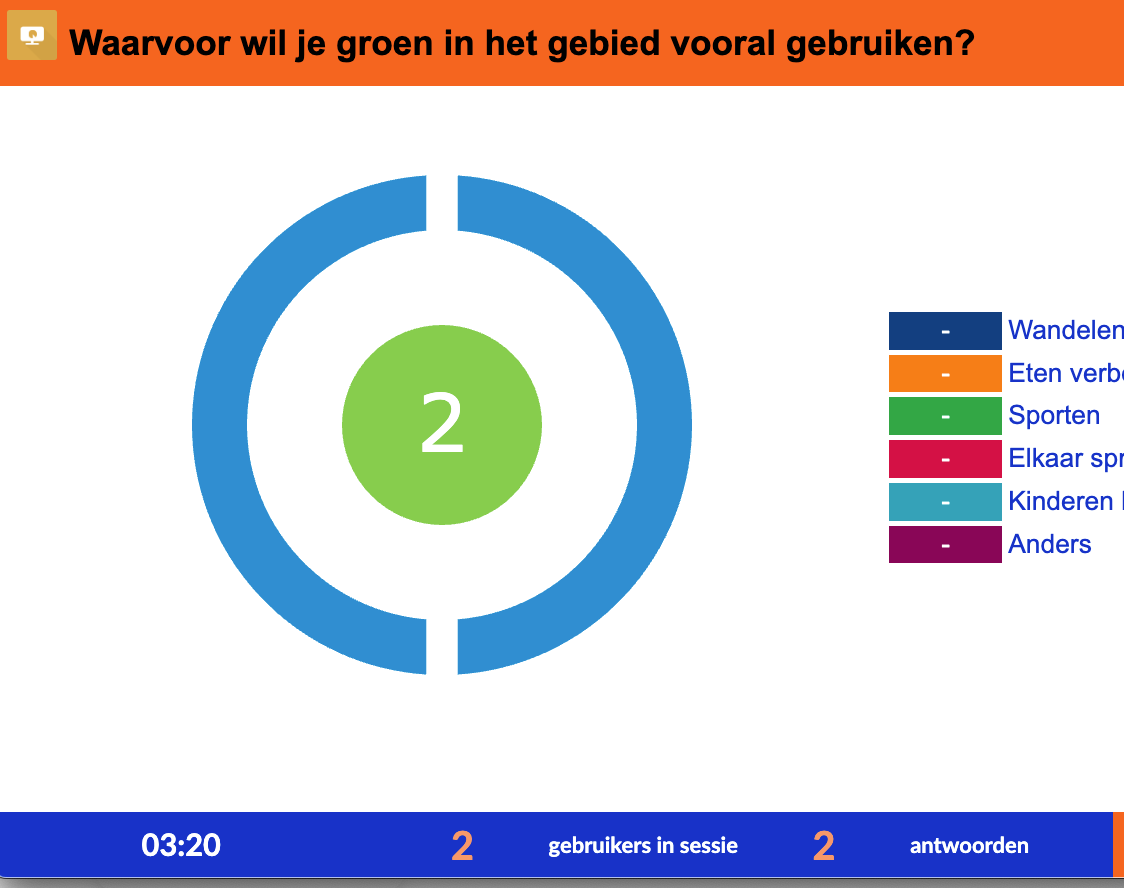
Within QandR, Polls are often used to introduce a topic or to gauge general preferences, expectations or experiences. The answers appear instantly on the main screen, for example as bar charts or pie charts, making it easy to see how opinions are distributed across the group.
A Poll not only provides a quick overview, but also creates opportunities for deeper discussion. By hovering over a bar or answer option in the chart, the facilitator can see which participants selected that specific answer. This makes it possible to ask targeted follow-up questions and invite participants to explain their choices in more detail.
Because Polls provide structure and overview without immediately turning into an in-depth discussion, they form a natural bridge to other interaction formats. When the facilitator wants to introduce more nuance or discussion, modules such as Grading, Dilemma or Quadrant connect naturally. In this way, the Poll helps activate the group and guide the conversation, without overly steering it.
Watch the video below for a demonstration of how the Poll works.
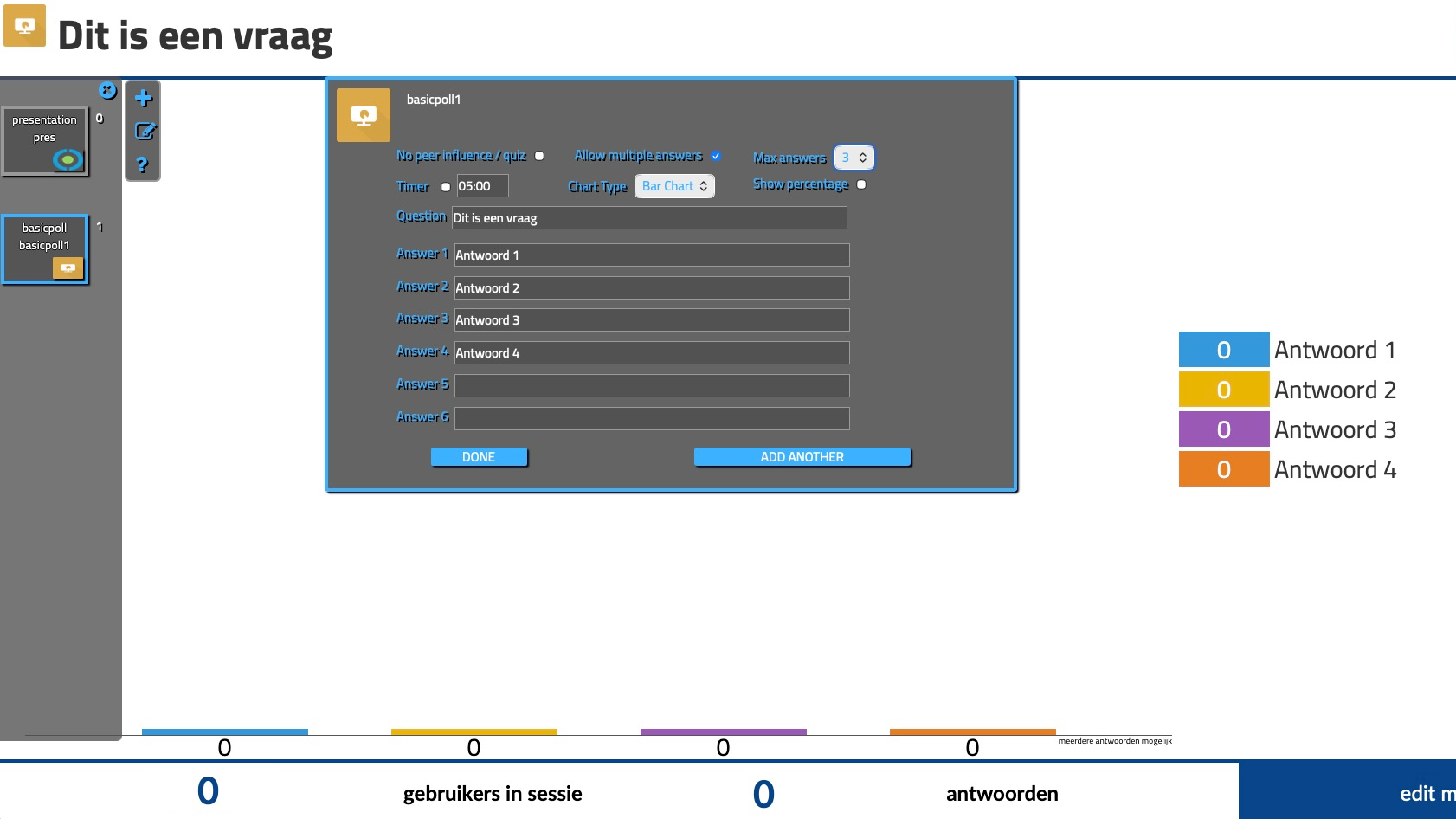
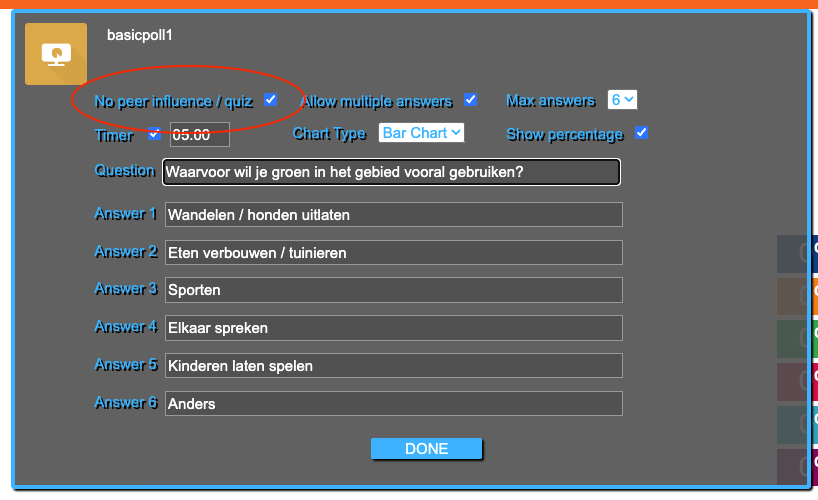
Recently, the Poll feature within QandR has been expanded with additional options. The facilitator can now allow participants to give multiple answers, for example in prioritisation questions, and also set the maximum number of choices. In addition, it is possible to mark one answer as correct, making the Poll suitable for use as a quiz. This keeps the tool easy to use, but allows for broader application within different types of sessions. Read more about it on this page.
Asking individuals for explanation is possible. Nuance because participants may keep changing their response.
Predominantly a global overview. Nuance because participants may keep changing their response. Get participants to raise hands to explain specific responses. In large groups, it is recommended to enable percentages in the editor.
Predominantly a global overview. Nuance because participants may keep changing their response. Get participants to raise hands to explain specific responses. In large groups, it is recommended to enable percentages in the editor.
MEASURE OPINIONS AND GET INSTANT INSIGHT INTO THE GROUP